
How to increase training center income
Practical ways to increase training center revenue by improving retention, payment control, course pricing, discounts, communication, and reports.
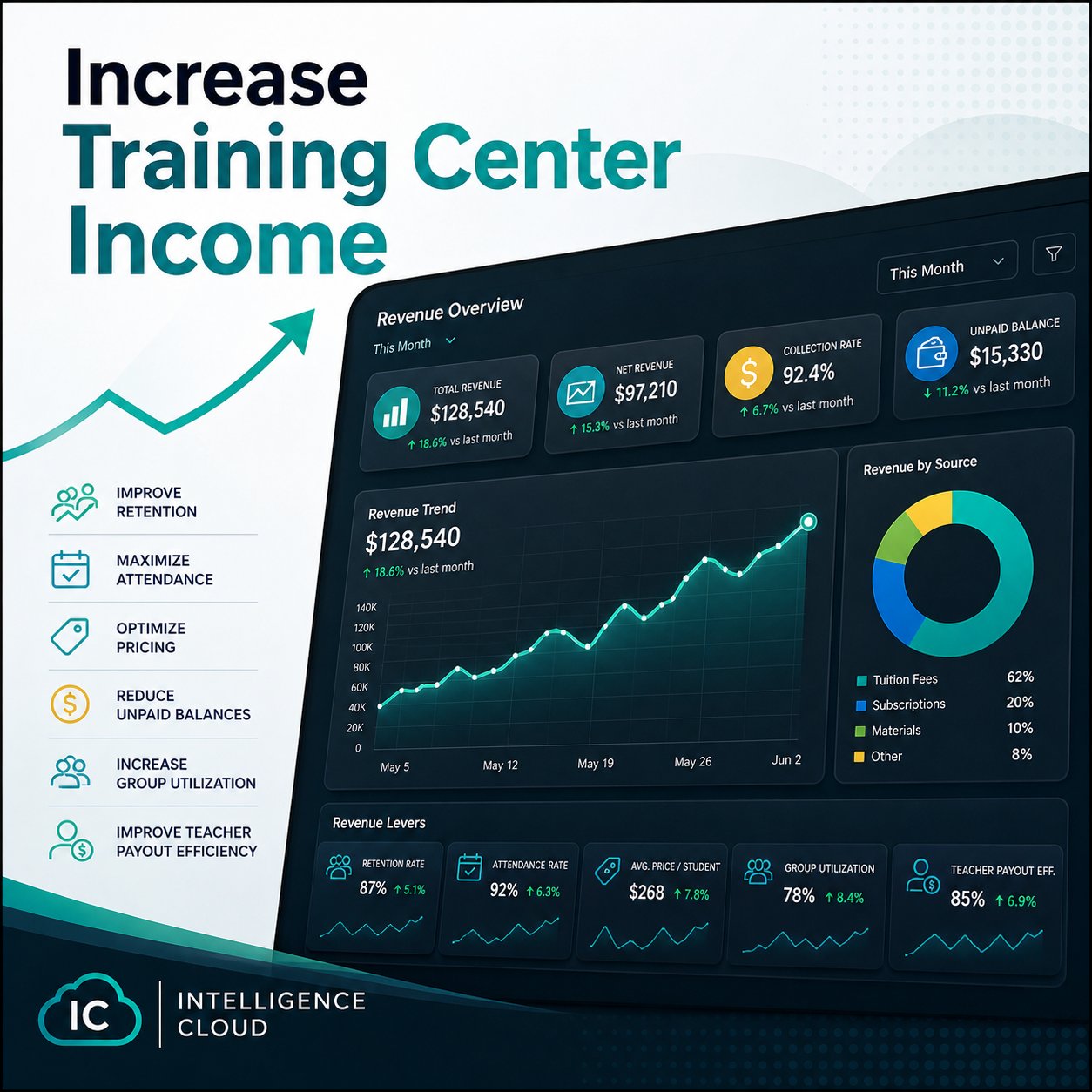
Increasing training center income is not only about finding more students. Growth also depends on keeping current students longer, reducing unpaid balances, understanding which courses are profitable, and making pricing decisions from reliable data.
Manual operations make this harder. If attendance, payments, discounts, and reports are kept separately, the owner may see revenue problems too late.
Improve retention
Retention is often the first place to look. A student can leave because lessons are inconvenient, missed lessons are confusing, payment reminders are late, or the school does not notice declining attendance.
Useful signals include:
- repeated absences;
- unpaid invoices;
- groups with falling attendance;
- students close to the end of a prepaid period;
- course changes and transfer requests.
When these signals are visible, the team can act before a student leaves.
The attendance feature page explains how lesson history can become an operational signal instead of a separate journal.
Keep payment control clear
Revenue is not the same as issued invoices. A school also needs to know what was paid, what remains unpaid, what was overpaid, and which debts are becoming risky.
Student billing software helps administrators explain balances without rebuilding the month in spreadsheets. This improves trust and makes payment reminders more precise. Automatic payment allocation is part of that control because it shows how each payment affects debt, credit, and the current balance.
See the student billing feature page for the connected invoice, payment, debt, and overpayment workflow, and the payment allocation explainer for the automatic logic behind payment application.
Use discounts intentionally
Discounts can support loyalty, family offers, long-term packages, or targeted retention. But discounts should be visible in invoices and reports. Otherwise the owner may not understand how much revenue is being reduced and whether the discount strategy works.
The discount management feature page covers how pricing and discounts stay connected to invoices.
Review course and group profitability
Some groups look active but generate weak margin because of teacher rates, low attendance, discounts, or room costs. Reports should help the owner compare revenue, debt, attendance, and payout pressure by group or course.
This is where connected data matters. If payouts, payments, attendance, and invoices are separated, profitability becomes a manual estimate.
For management visibility, see the reports feature page. If teacher payouts are a major cost driver, see teacher payout calculation.
Communicate at the right moment
Revenue also depends on communication: payment reminders, schedule changes, renewal prompts, birthday or loyalty messages, and targeted offers for relevant students. These messages are more useful when they are based on actual student and billing context.
How the product helps
Intelligence Cloud connects the operational data needed for revenue decisions: schedules, attendance, invoices, payments, discounts, teacher payouts, and reports. Automatic payment allocation helps owners see where income is earned, where it is delayed, and where the process needs attention.
For setup details, see student billing, discount management, and reports.
Related resources
CRM system for a training center
What a training center should expect from CRM software: student history, communication, schedule context, billing visibility, roles, and reports.
Training center automation software
A practical guide to replacing spreadsheets with connected scheduling, attendance, student billing, payments, teacher payouts, and reports.