
Training center automation software
A practical guide to replacing spreadsheets with connected scheduling, attendance, student billing, payments, teacher payouts, and reports.
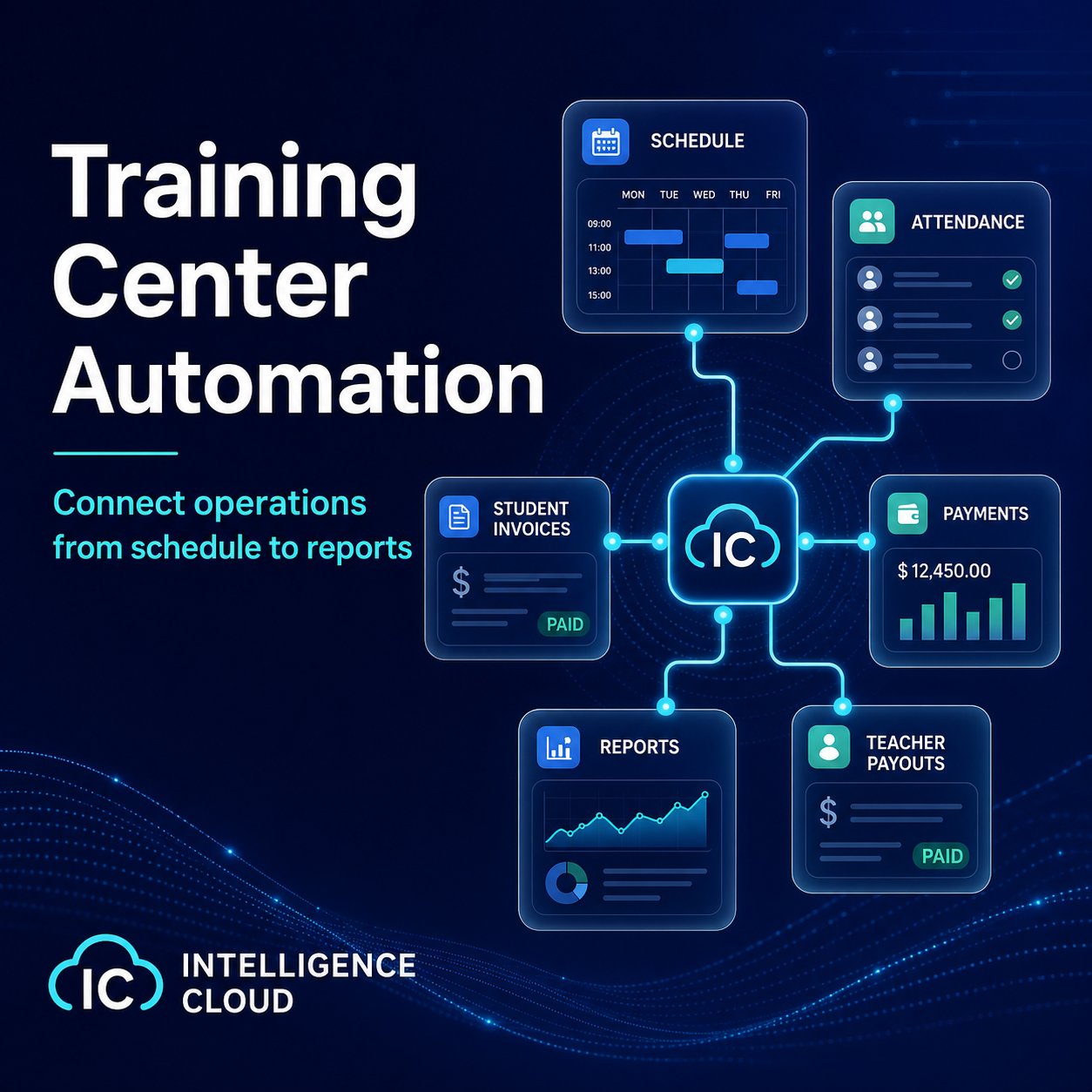
Many training centers start with spreadsheets, a calendar, messengers, and a few shared documents. That can work while the school is small and the owner remembers most exceptions personally.
The problem appears when the same data must be reused in several places. A lesson is planned in one file, attendance is marked somewhere else, student payments are tracked by another person, and teacher payouts are calculated at the end of the month from reconstructed history.
Automation is useful when the school needs one operational chain instead of several disconnected lists.
What should be connected
For a lesson-based education business, automation is not only a digital schedule. The useful part is the connection between daily actions:
- schedule lessons with teachers, groups, rooms, and students;
- record attendance in the context of the lesson;
- calculate student invoices from lessons, prices, discounts, and attendance rules;
- track payments, debt, and overpayments automatically;
- calculate teacher payouts from completed lessons and rates;
- review reports without rebuilding the month in spreadsheets.
When these parts are separated, administrators spend time checking whether every file tells the same story. When they are connected, the system can explain why a student owes money, why a teacher payout changed, or why a group is less profitable than expected.
Why spreadsheets become risky
Spreadsheets are flexible, but they do not protect the workflow. A copied formula can break, a payment can be recorded in the wrong period, a missed lesson can be handled differently by two managers, and the final report may depend on manual reconciliation.
The larger the school becomes, the more expensive these small inconsistencies are. They affect customer trust, owner visibility, teacher payouts, and cash control.
How the product approaches automation
Intelligence Cloud is designed around connected school operations. The schedule creates the lesson context. Attendance records what happened. Billing uses the same lesson and student data. Payments update the student balance through automatic allocation. Teacher payouts and reports reuse the history instead of asking the team to rebuild it manually.
This does not mean every school must migrate everything on the first day. A safer path is to start without a full migration: use demo data or one real workflow, check how scheduling, attendance, invoices, payments, and reports behave together, and then expand gradually. When invoices are the riskiest part, use a separate billing check before go-live.
What to check before choosing a system
Before replacing manual work, check whether the system can answer practical questions:
- Can the administrator see how a student balance was formed?
- Can attendance affect billing and lesson transfers?
- Can teacher payouts be explained from completed lessons?
- Can the owner see debt, revenue, and group performance without manual reports?
- Can staff access be limited by role?
If the answer is yes, automation becomes more than storage. It becomes a way to keep the school manageable as it grows.
Access control is part of that operational model. When the team grows, owners usually need to separate manager, administrator, teacher, billing, and reporting responsibilities. See the access control feature page and the access control guide for details.
Where to continue
Start with the course automation software guide if you are comparing broad automation tools. Use the scheduling and billing software overview when the main decision is whether to keep calendars and invoicing separate. If customer work and sales process are the main concern, read the CRM for training centers guide. For the product-level workflow, open scheduling, attendance, student billing, and reports.
Related resources
Attendance tracking and billing for training centers
Learn when training centers, language schools, and tutoring centers need attendance records connected to scheduling, billing, invoices, payments, teacher payouts, and reports.
Course automation software for training centers
How course automation software helps connect schedules, groups, students, payments, notifications, reports, and management decisions.
CRM system for a training center
What a training center should expect from CRM software: student history, communication, schedule context, billing visibility, roles, and reports.
Scheduling and Billing Software for Language Schools and Training Centers
How connected scheduling and billing software helps education businesses turn approved lessons and attendance records into explainable invoices, payments, balances, payouts, and reports.