
CRM system for a training center
What a training center should expect from CRM software: student history, communication, schedule context, billing visibility, roles, and reports.
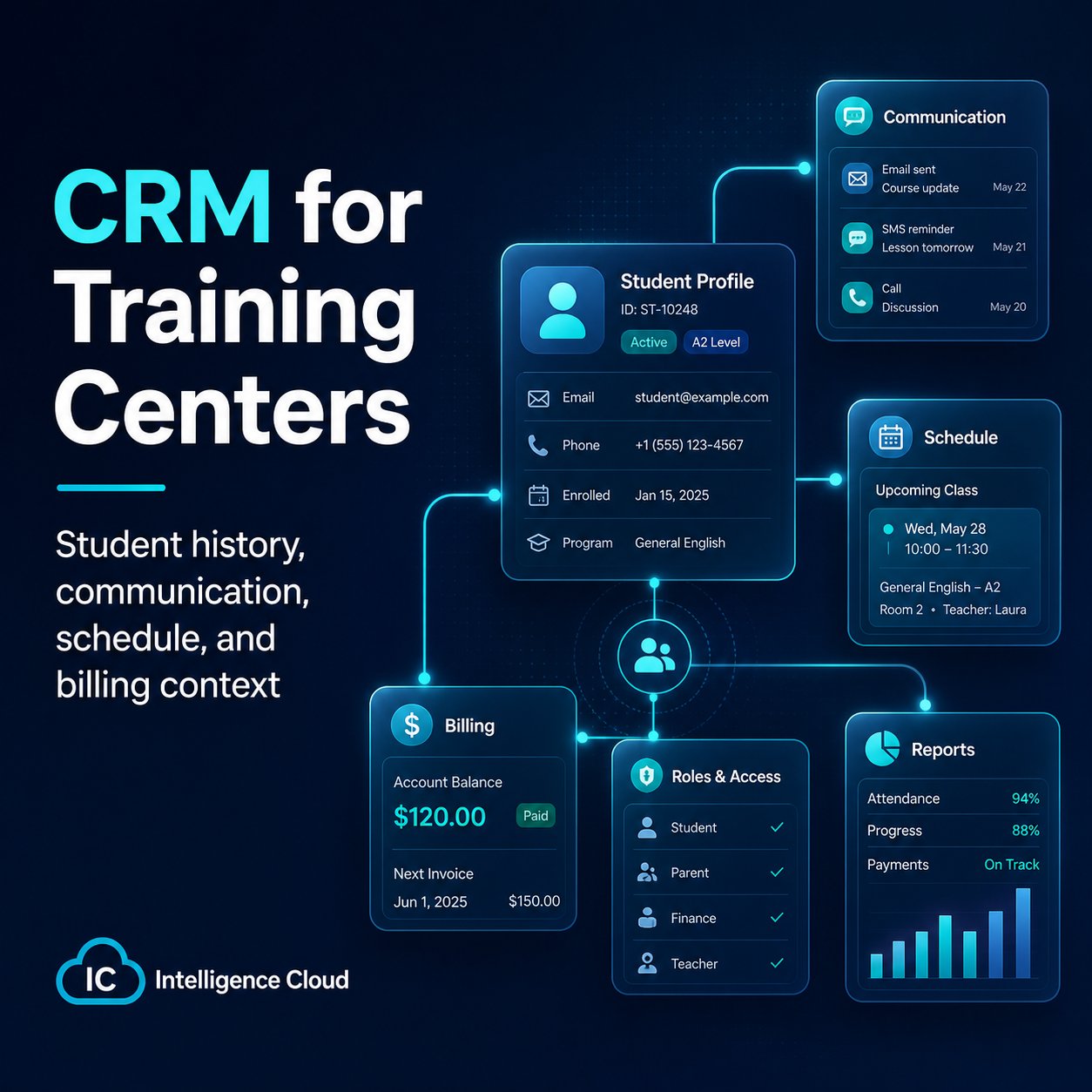
A training center CRM is useful when it helps the team manage real relationships with students and parents. That relationship is not only a contact card. It includes lessons, groups, attendance, payments, debt, discounts, communication, and staff responsibility.
Generic CRM systems can help with leads and notes, but an education business usually needs more context. A parent may ask about a missed lesson, a student balance, the next class, a discount, or a course change. The administrator should not search through several systems to answer.
What makes education CRM different
For a training center, CRM should connect customer communication with operational history:
- student profile and contact details;
- groups and courses;
- attendance and missed lessons;
- invoices, payments, debt, overpayments, and automatic payment allocation;
- discounts and pricing rules;
- teacher and schedule context;
- notes and communication history;
- access rights for employees.
Without this context, CRM becomes only a contact database.
What to check before choosing a CRM
When evaluating CRM software for a training center, ask practical questions:
- Can a manager understand the student's current status from one place?
- Can billing and payment allocation questions be answered without spreadsheets?
- Can staff access be limited by role?
- Can reports show retention, debt, attendance risks, and revenue?
- Can the team start without a full migration, using demo data or a small real workflow?
Support and onboarding also matter. A system may have many features, but if the school cannot configure the daily workflow, the team will return to spreadsheets.
How the product fits this workflow
Intelligence Cloud combines CRM-style student context with operational workflows for training centers. Student records are connected with groups, schedules, attendance, invoices, payments, discounts, teacher payouts, and reports.
This helps administrators answer customer questions faster and helps owners see whether the school is working as expected.
If the school is also reviewing operational automation, continue with the course automation software guide. If the main concern is data visibility for the owner, the reports feature page explains how operational data becomes management reporting.
CRM and automation are connected
CRM should not be isolated from automation. If customer communication is separated from billing, attendance, and scheduling, the team still has to reconstruct the situation manually.
For training centers, the strongest CRM is usually the one connected to the operational data that creates the customer's experience.
Continue with the training center automation guide or read about access control for training centers.
Related resources
How to Add Employees and Teachers and Manage Access
Add employees or teachers to Intelligence Cloud, assign the right access, and manage invitations without exposing unrelated school data.
Course automation software for training centers
How course automation software helps connect schedules, groups, students, payments, notifications, reports, and management decisions.
Training center automation software
A practical guide to replacing spreadsheets with connected scheduling, attendance, student billing, payments, teacher payouts, and reports.