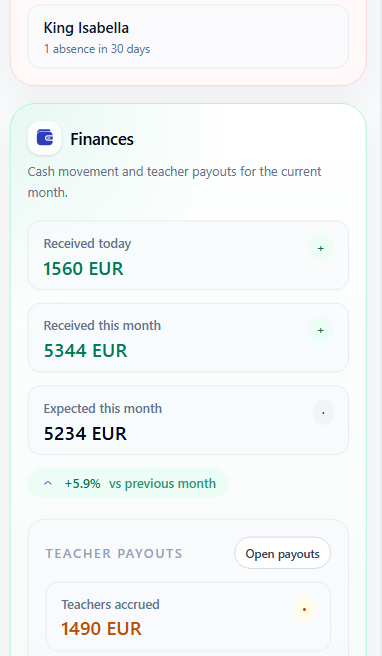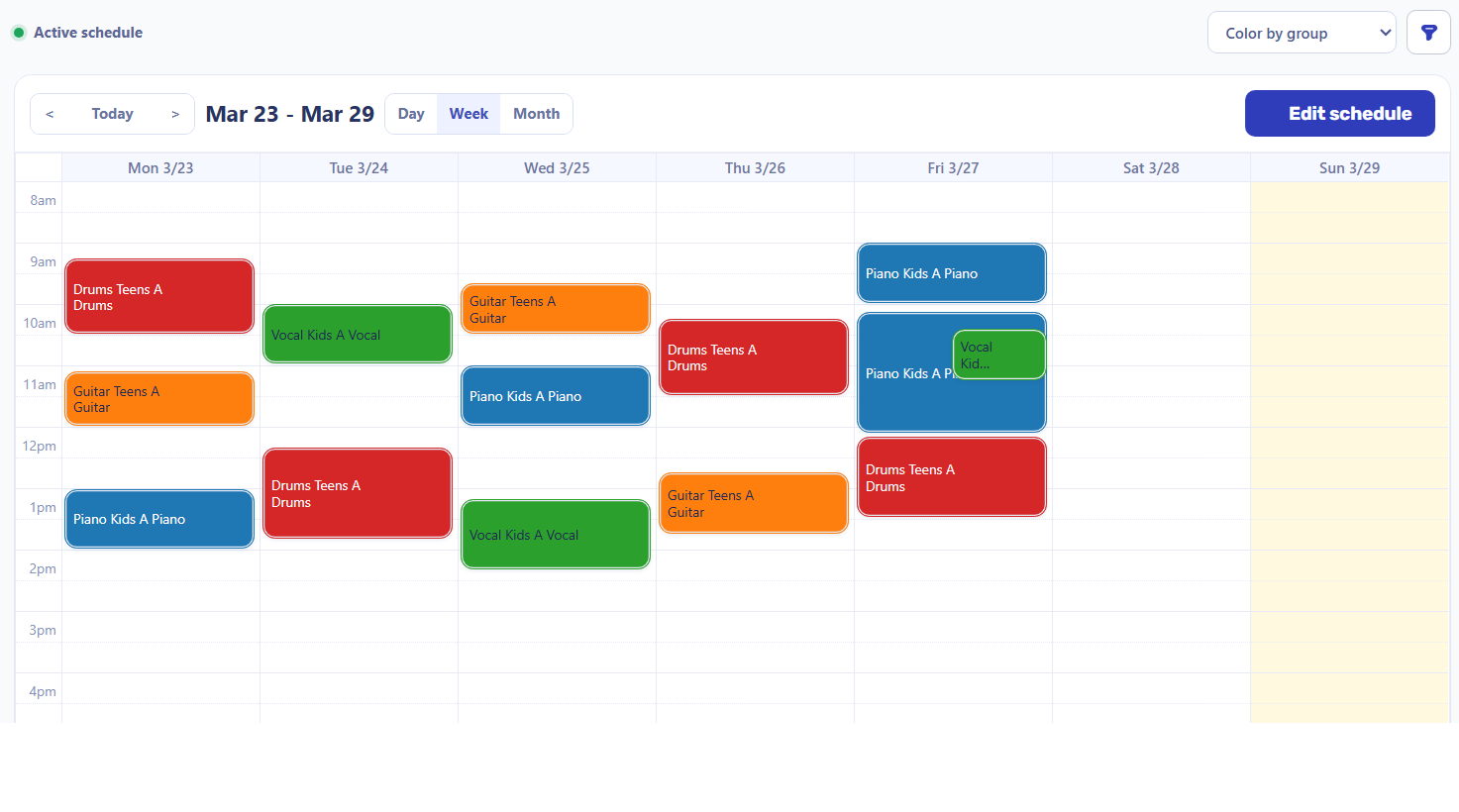
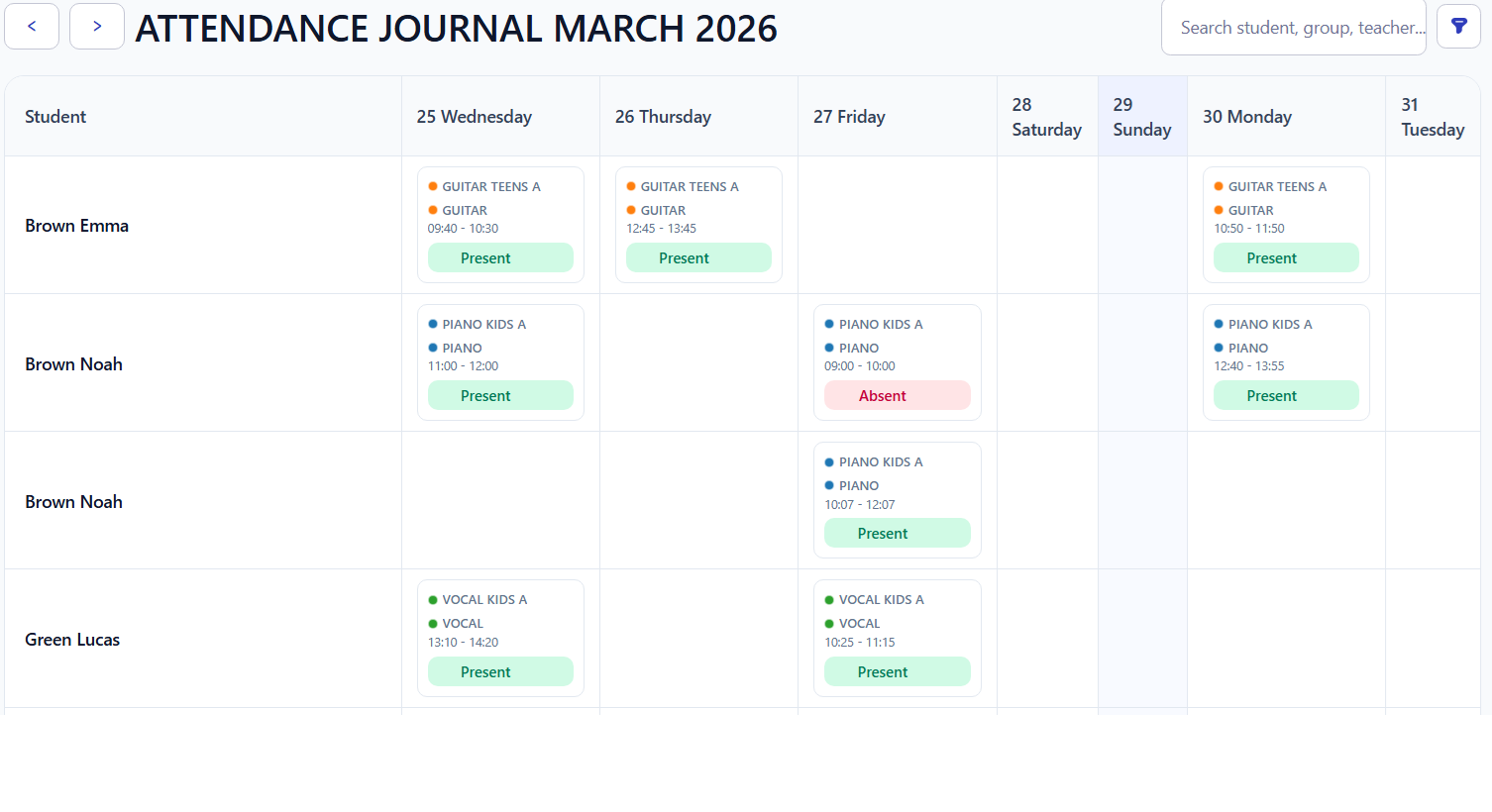
Scattered admin work
Monday schedule
Spreadsheet / calendar
Attendance: 3 absent
Notes / paper list
Price: 350 / lesson
Discounts?
Invoice total?
Manual check
Payment received
Does it match the invoice?
Every gap adds another manual check.
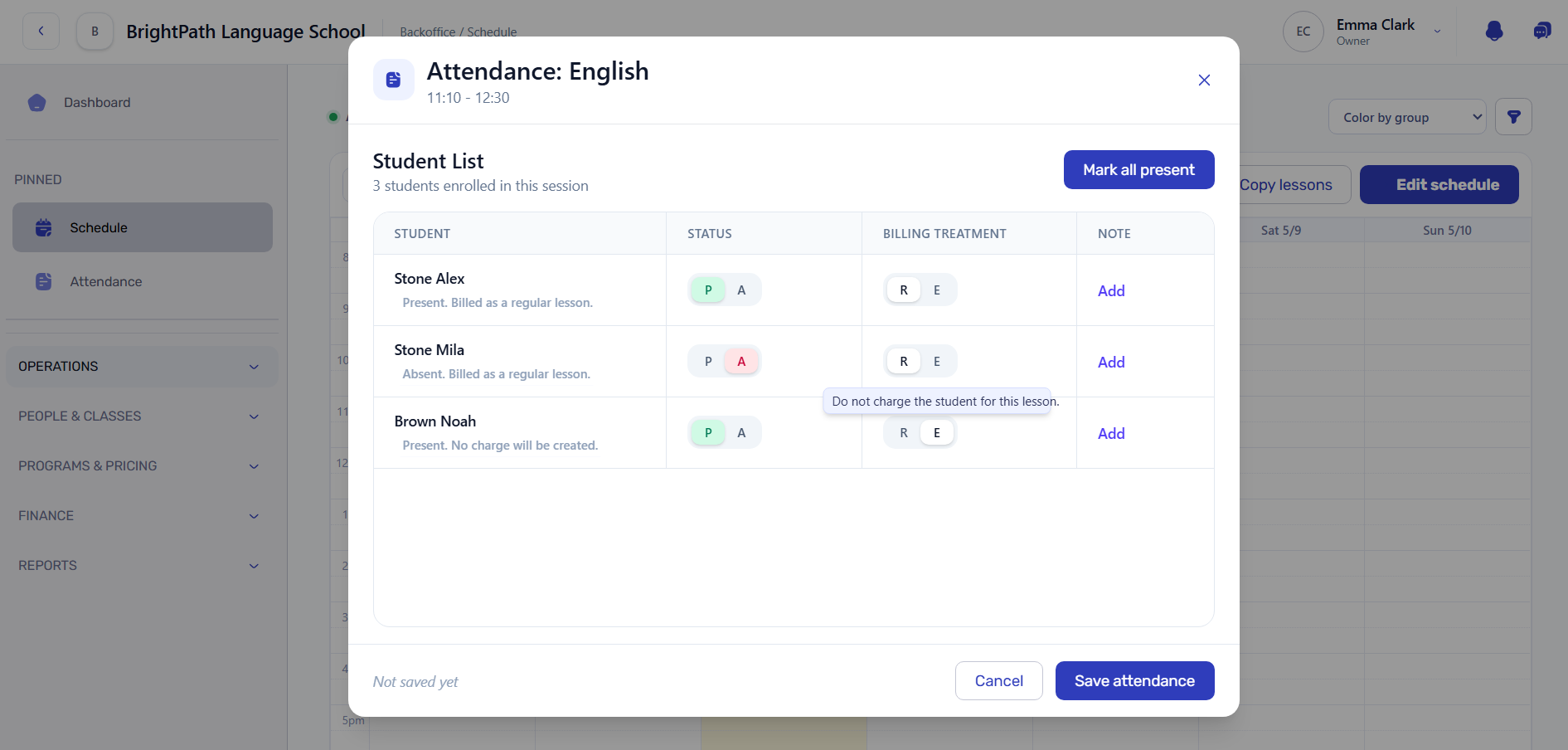
Schedule lessons, track attendance and turn them into accurate invoices - automatically. Start in your own workspace with preloaded demo data.
Everything stays connected - from scheduled lessons to accurate invoices.


Most training centers already have the data. The real problem is keeping schedules, attendance, pricing, invoices and payments connected — without rebuilding the full picture by hand.
Monday schedule
Spreadsheet / calendar
Attendance: 3 absent
Notes / paper list
Price: 350 / lesson
Discounts?
Invoice total?
Manual check
Payment received
Does it match the invoice?
Every gap adds another manual check.
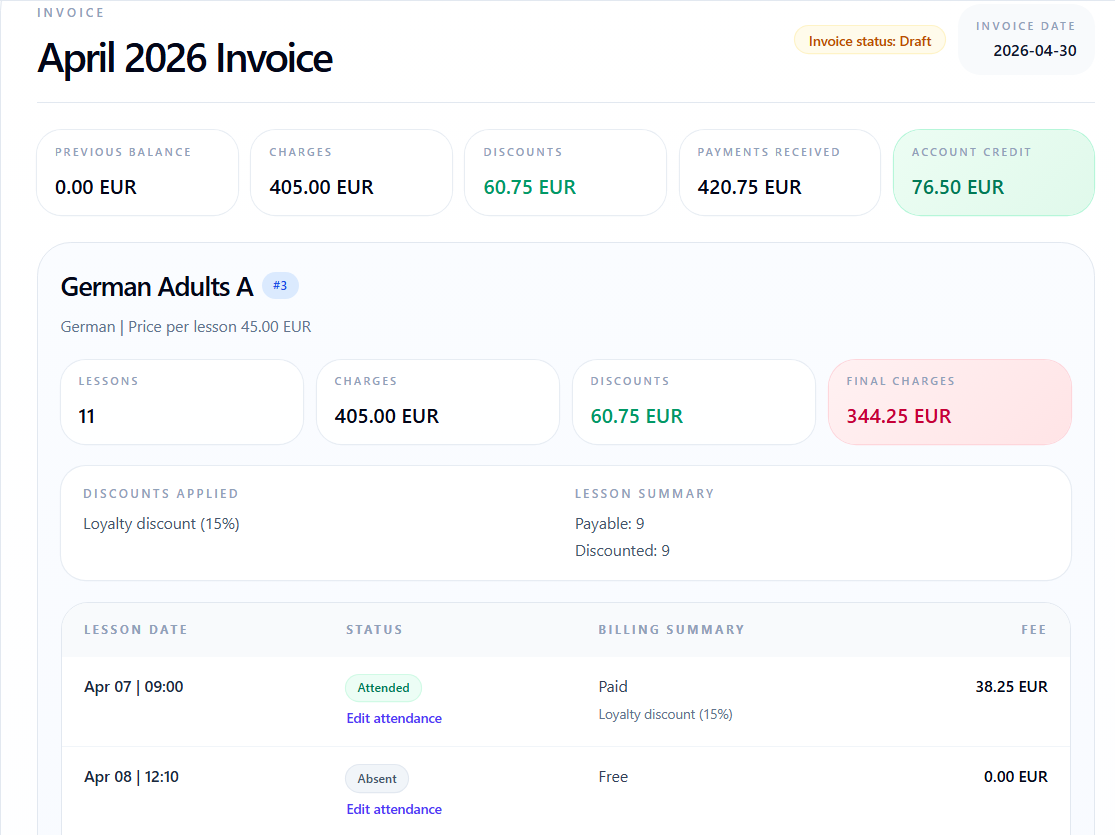
01
Lesson is created
02
Student status is added
03
Rules are applied
04
Charge line is created
05
Balance is updated
Output
Revenue, overdue risks and group summaries are built from the same connected records.
Once lessons, attendance, prices, invoices and payments stay connected, daily management becomes easier to trust and easier to explain.

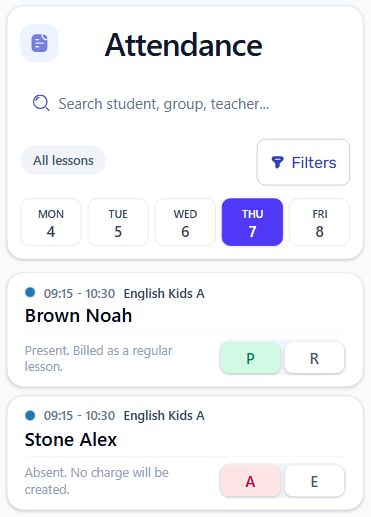
Attendance and billing decisions are recorded once, then carried into invoices automatically.

The result
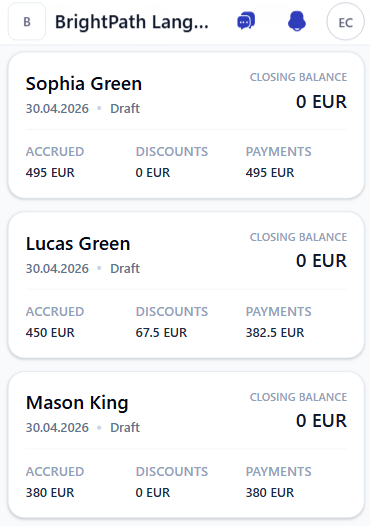
Attendance decisions, discounts, charges and payments stay connected from the lesson record to the invoice.
Built from real operations
The workflow behind Intelligence Cloud has been shaped by years of real training center operations: invoices, payments, attendance records, and teacher payout calculations.
10y
Operational workflow experience
1000+
Students managed in real school work
1000s
Invoices and payment records processed
1000s
Teacher payout calculations checked
Fewer manual checks between schedule, attendance, invoices and payments.
Invoices are built from real records, not manual reconstruction.
See accruals, payments and risks without manual reconciliation.
Modern mobile and desktop screens keep daily work familiar, not like a complex ERP.
Go deeper into the daily workflows where schools usually lose time, money, or clarity.
Student finance
Invoices, payments, credits and debts stay in one place, so balances are easier to explain.
Explore finance
Attendance
Present, absent, free and billable lessons flow into invoices without a second manual check.
Explore attendance
Scheduling
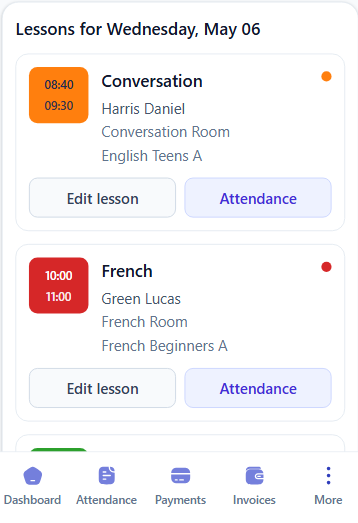
Teachers, groups, rooms and lesson times stay clear before attendance and billing start.
Explore scheduling
Pricing and discounts
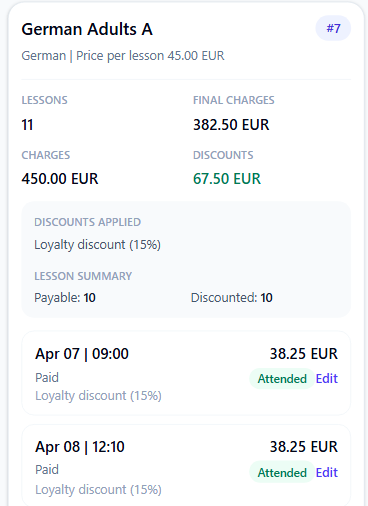
Course prices, loyalty discounts and free lessons are reflected in the same calculation.
Explore pricing
School reports and analytics
Revenue, debt, attendance risks, group margins and payout signals stay visible without rebuilding reports in spreadsheets.
Explore reports
Teacher payouts
Completed lessons, teacher rates, cancellations and corrections stay visible in one payout calculation.
Explore payoutsTeacher payout
Clark Emma
Total payout
408.00 EUR
Period
2026-05
Lessons
17
Payable
17
Canceled
0
English Kids A
2026-05-01 · 3 students
Rate
24.00 EUR
Net
24.00 EUR
Short product videos show how Intelligence Cloud connects school operations, student billing, and payment-dependent discounts.
OverviewA quick look at the connected workflow for educational centers: scheduling, attendance, billing, payments, and reports.
Student billingSee how lessons and attendance become student invoices, payments, balances, and financial reporting.
Discount logicHow timely payment rules can control student discounts while keeping invoice decisions explainable.
Teacher payoutsSee how completed lessons, teacher rates, canceled lessons, payout rows, and statements explain teacher payments.
Start with the product overview, then use demo data and a low-risk trial path to decide whether the workflow fits your school.

Start here to understand how scheduling, attendance, billing, payments, reports, and teacher payouts fit into one school workflow.
Use a prepared demo training center to check scheduling, attendance, invoices, payments, reports, and teacher payouts before entering real school data.
See answerA practical way for a training center to try Intelligence Cloud without moving every spreadsheet, student record, payment, and historical lesson before the first evaluation.
See answerGo deeper into the finance and operations workflows people usually check after the first product overview.
Short answers to the questions school owners usually check before creating a workspace or opening demo data.
Start small: demo data first, then one real workflow.
No. Start with demo data or a small real workflow first. A full import makes sense only after the team understands how scheduling, attendance, billing, payments, and reports behave together.
Yes. Use demo data or one limited school scenario to compare invoice totals, attendance-based charges, discounts, payments, previous debt, and overpayments before expanding.
No payment card is required to create a workspace and evaluate the workflow.
No. Intelligence Cloud is focused on school operations: scheduling, attendance, billing, student invoices, payments, reports, and teacher payouts. Teaching content can stay in a separate LMS or video platform.
That is a normal starting point. The safer path is to test one realistic workflow first, then decide which students, balances, lessons, and history are worth moving.
Start with demo data. No full migration required.